Tap, Pay, Done: Understanding Mobile Wallets the Easy Way

Curious about paying with your phone? Here’s how mobile wallets and digital payments work, explained simply, so every tap, scan, and click finally makes sense. We’ll connect the dots from setup to security, with relatable stories, everyday examples, and tips you can try today, even if you’ve never used contactless checkout or saved a card online before.

What Lives Inside Your Phone’s Wallet

Think of your phone’s wallet as a secure, organized drawer that holds payment cards, transit passes, boarding passes, loyalty IDs, and even student or access credentials. Instead of physical plastic, it stores encrypted credentials and clever shortcuts that speed up checkout, reduce friction, and add protection through biometrics, locked hardware areas, and background checks that run in milliseconds before purchases proceed.

From Tap to Approval: The Invisible Journey

NFC, QR, and the Multiple Roads to the Same Checkout

Contactless payments often use NFC, enabling instant, close-range exchanges with a terminal. In other places, QR codes carry payment instructions that your wallet or bank app interprets. Despite the different pathways, both methods ultimately deliver encrypted details to payment processors, who route them to issuers for authorization. Choose whichever method your store supports, without compromising speed, safety, or convenience.

Tokenization: Your Real Card Number Stays Hidden

Instead of sending your actual card number, wallets use a device-specific token. That token is useless outside your device and context, diminishing the value of stolen data. Each purchase gets a one-time cryptogram, like a disposable padlock key. If intercepted, it cannot be replayed, dramatically cutting fraud. This is why tapping your phone often feels faster and safer than traditional plastic cards.

Biometrics and Secure Enclaves Keep Keys Safe

Your face or fingerprint unlocks payment capability, but the actual secret stays sealed inside a secure enclave, isolated from the broader operating system. Apps never see your raw biometric data, only a yes-or-no confirmation. Even if someone learns your passcode, remote lock and erase options sever power instantly. These layered defenses balance effortless checkout with meaningful, hardware-backed protection that criminals struggle to bypass.

Adding a Card and Proving It’s Really You

You can add a card by capturing it with your camera or entering details manually. The issuer may send a text, email, or in-app request to confirm ownership. Sometimes, you verify inside your bank app for extra certainty. Once approved, a unique device token gets provisioned. From that moment, the phone presents the token, not your actual number, during every checkout.

Privacy Controls Worth Switching On Today

Enable biometric confirmation and disable lock-screen previews for sensitive notifications. Consider limiting location access for nonessential apps. Turn on transaction alerts to catch issues quickly and spot subscriptions you forgot about. Review wallet permissions periodically, and prune passes you no longer need. These small adjustments reduce exposure while preserving the smooth, near-instant experience that makes contactless and one-click purchases feel so seamlessly natural each day.

Testing Your First Purchase with Confidence

Start with something low-stakes, like a coffee. Hold your phone near the terminal, confirm with Face ID or your fingerprint, wait for the beep or checkmark, and you are done. If a terminal asks for a physical card, politely request contactless mode. Keep a backup card handy initially, then relax as muscle memory builds and you realize paying this way quickly becomes second nature.

Stores, Apps, and Websites: Same Payment, Different Paths
In-Store Authorization and EMV Contactless Logic

At the counter, your device and terminal speak EMV contactless, exchanging capabilities, verifying authenticity, and generating a unique cryptogram. Limits, risk checks, and regional rules influence whether a signature or PIN appears. Most modern flows rely on your device’s biometrics, not a paper slip. By the time the receipt prints, multiple systems have already validated your credentials and set funds aside for capture.

In-App and Browser Payments with One-Tap Autofill

Inside apps and browsers, your wallet can present saved cards with shipping and billing details ready. Strong authentication—like biometrics—confirms intent, and merchants receive a token rather than a raw number. This trims abandoned carts dramatically, especially on phones. Add trusted devices to your account for smoother checkouts, while still requiring re-verification after inactivity, unusual orders, or travel patterns that trigger extra risk signals.

What Happens After You Leave: Clearing and Settlement Basics

After authorization, the merchant captures funds, and transactions move through clearing and settlement, often overnight. Networks net amounts between banks, and your statement updates. If something looks wrong, you can dispute charges, but most issues resolve early thanks to alerts, receipt matching, and proactive fraud engines. Understanding this timeline helps set expectations when refunds or holds take a day or two to appear.

Safety Nets When Things Go Wrong

Even the best systems face hiccups: lost phones, suspicious charges, or terminals that will not cooperate. Preparation matters. Learn how to lock a device remotely, contact your bank quickly, and recognize phishing. Combine alerts, spending limits, and strong authentication to prevent small mistakes from becoming big problems. Share your experiences in the comments to help others avoid the same pitfalls confidently.

Loyalty, Transit, and Campus Access in Your Pocket
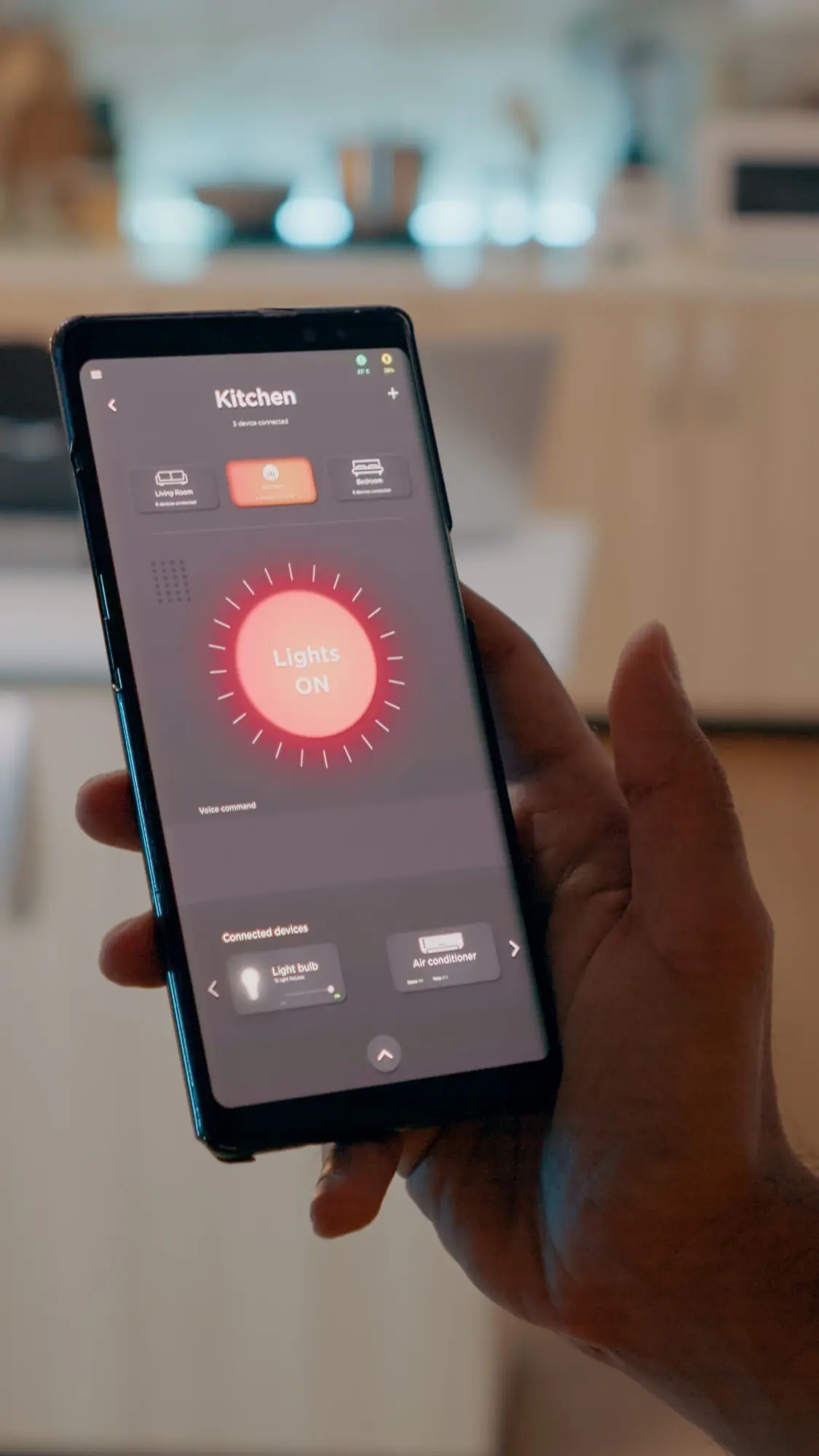
Rewards can appear automatically at checkout, no separate barcode required. Transit cards enable walk-up taps without opening an app, saving precious seconds when gates are crowded. Schools and offices can issue digital IDs for doors and services. This consolidation reduces wallet bulge, speeds daily routines, and keeps credentials harder to lose. Comment with your favorite setup, and we’ll share clever community recommendations in upcoming posts.

Sending Money to Friends Without Awkward IOUs

Peer-to-peer transfers within wallets or linked apps make splitting dinner painless. Choose a contact, add a note, and confirm with biometrics. Some services settle instantly; others take a day. Keep receipts for clarity, and verify names carefully to avoid mistakes. Suggest features you want—like shared tabs, reminders, or group funds—and we will spotlight the smartest community workflows that keep friendships balanced and transparent.
Nilozeramexoteli
Privacy Overview

This website uses cookies so that we can provide you with the best user experience possible. Cookie information is stored in your browser and performs functions such as recognising you when you return to our website and helping our team to understand which sections of the website you find most interesting and useful.